DigiMINT
The disciplines belonging to the “Digital Media in STEM Subjects” network work on questions of teaching and learning with digital media in STEM subjects, taking into account the perspective of education and development, and implement theory- and evidence-based teaching in the DigiLLabs@JMU.
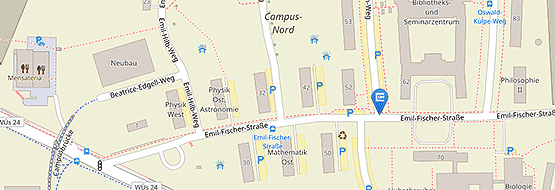
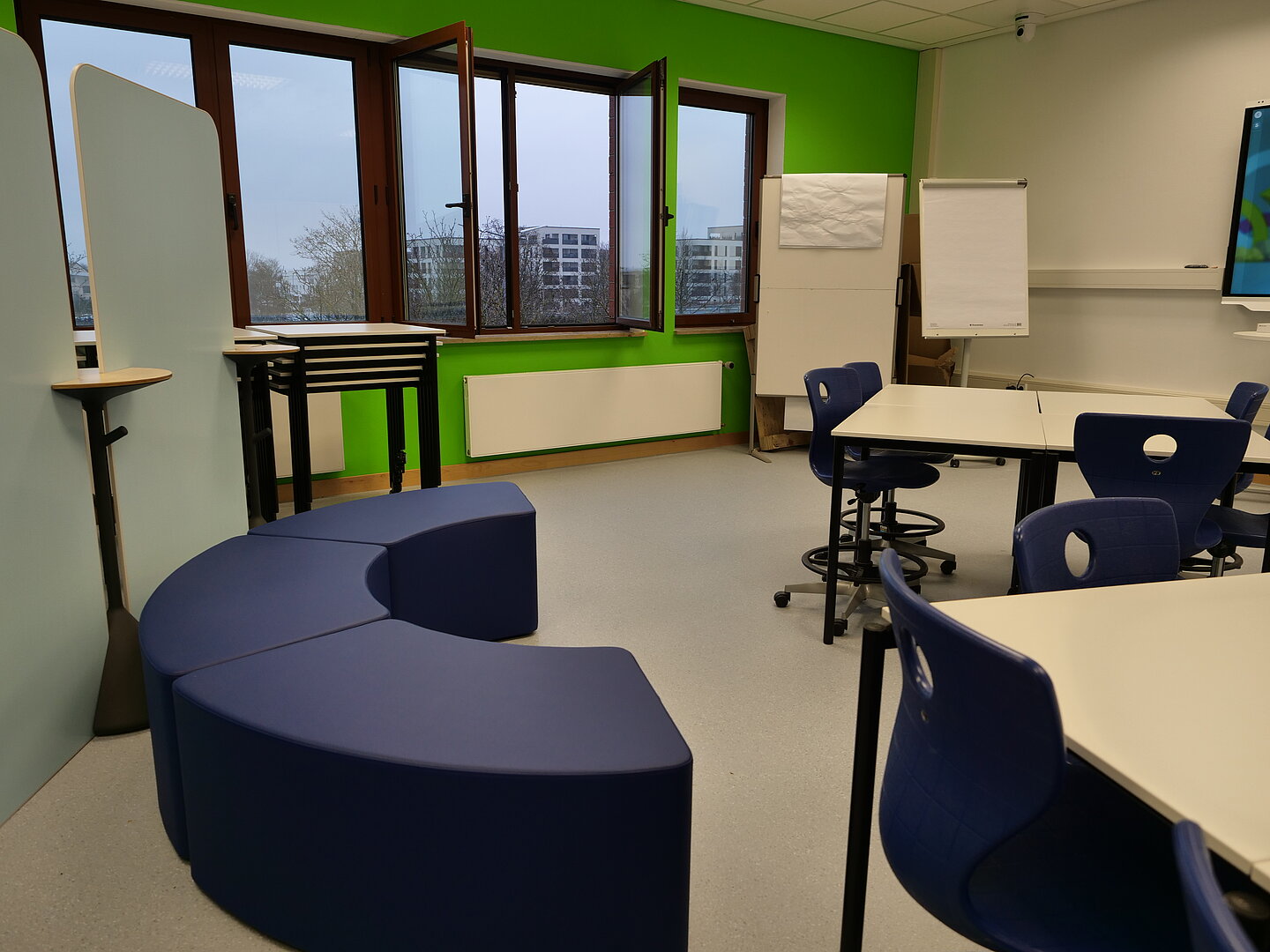
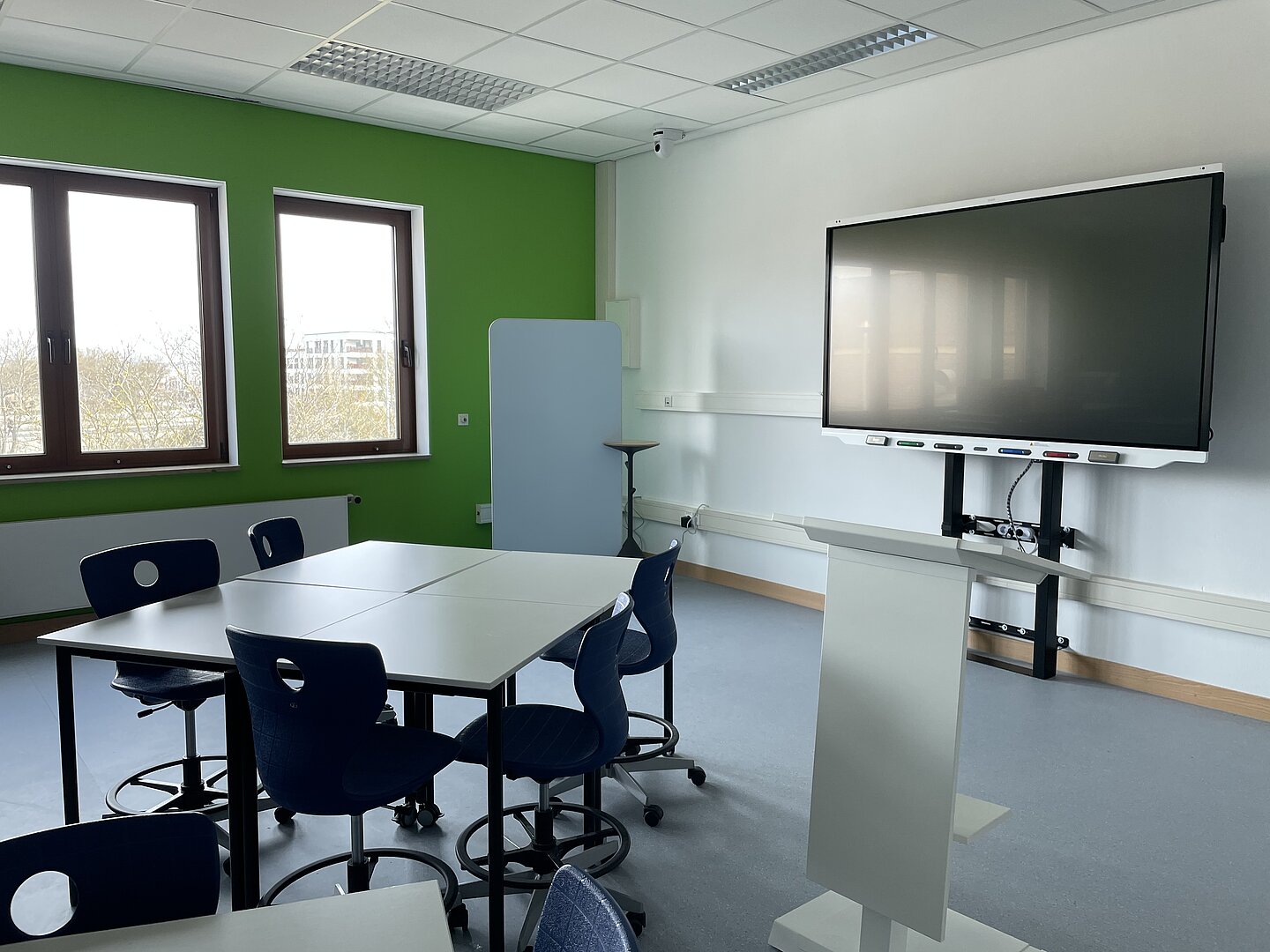
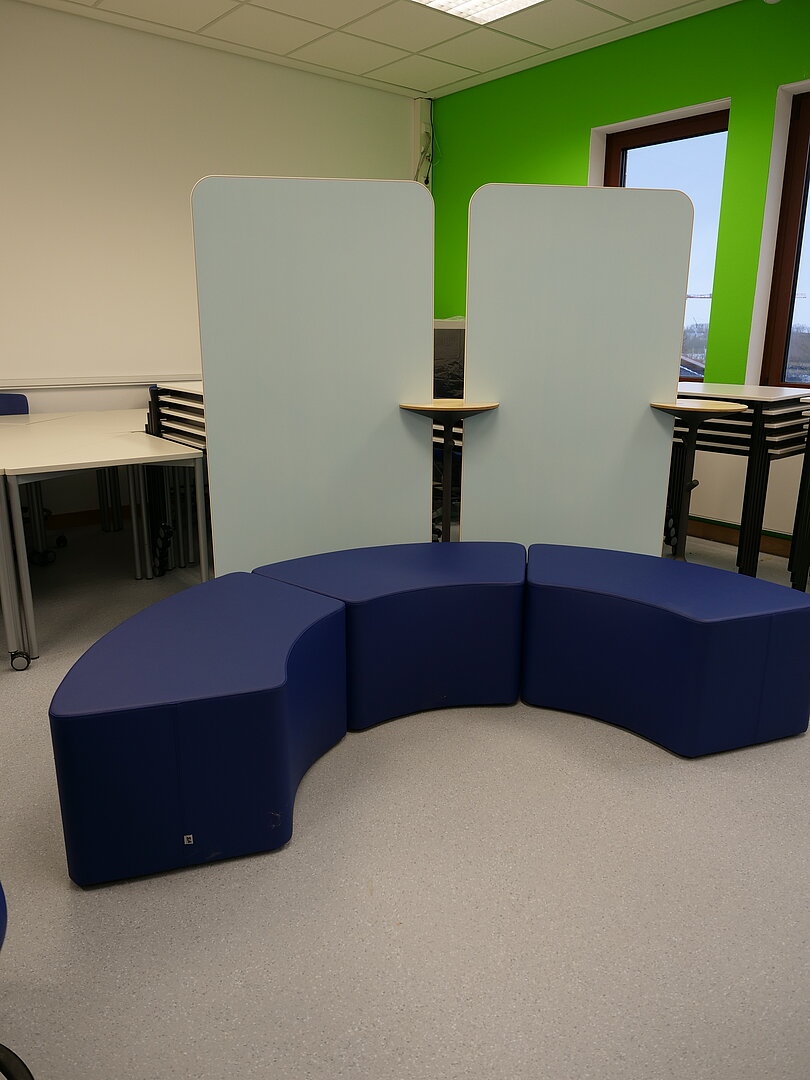
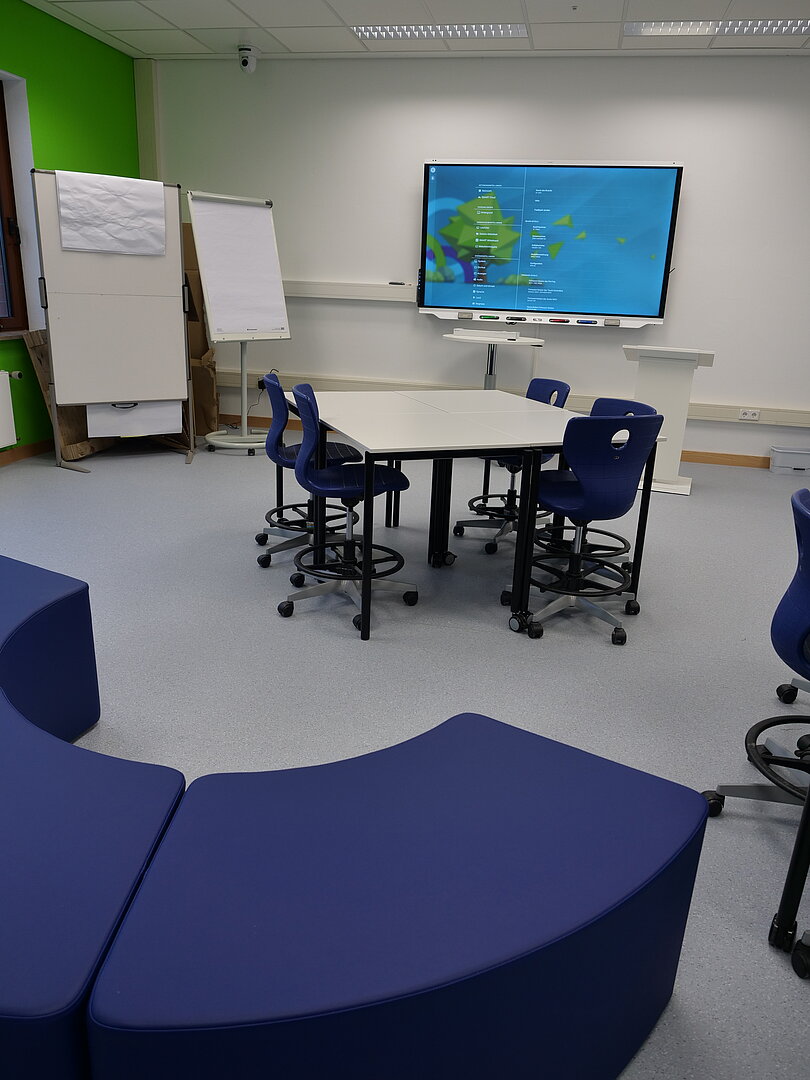
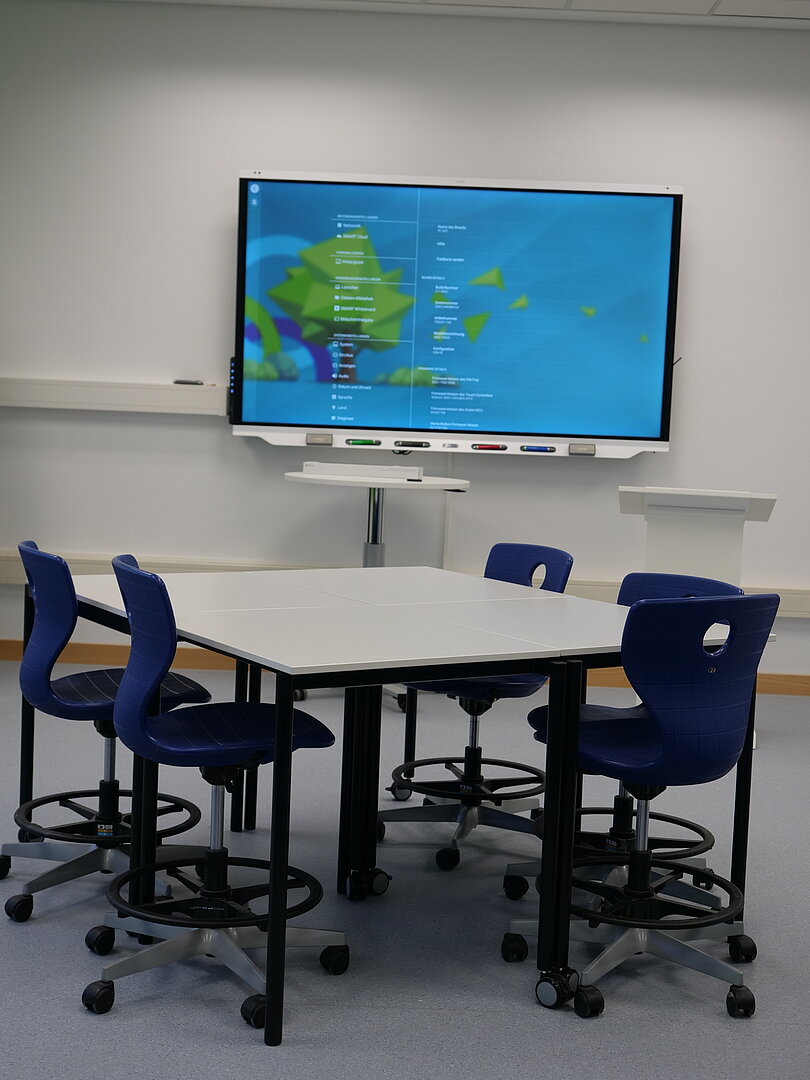
The STEM area's digital lab has 31 seats. The square lightweight tables each have two wheels and can therefore be easily moved around the room. The tables can be used individually or arranged in groups of different sizes to create different teaching/learning arrangements. There are four mobile whiteboards with mounts in the room, which can also be used as partitions. At the back of the room are three rounded seating modules that can be arranged to form a lounge area.
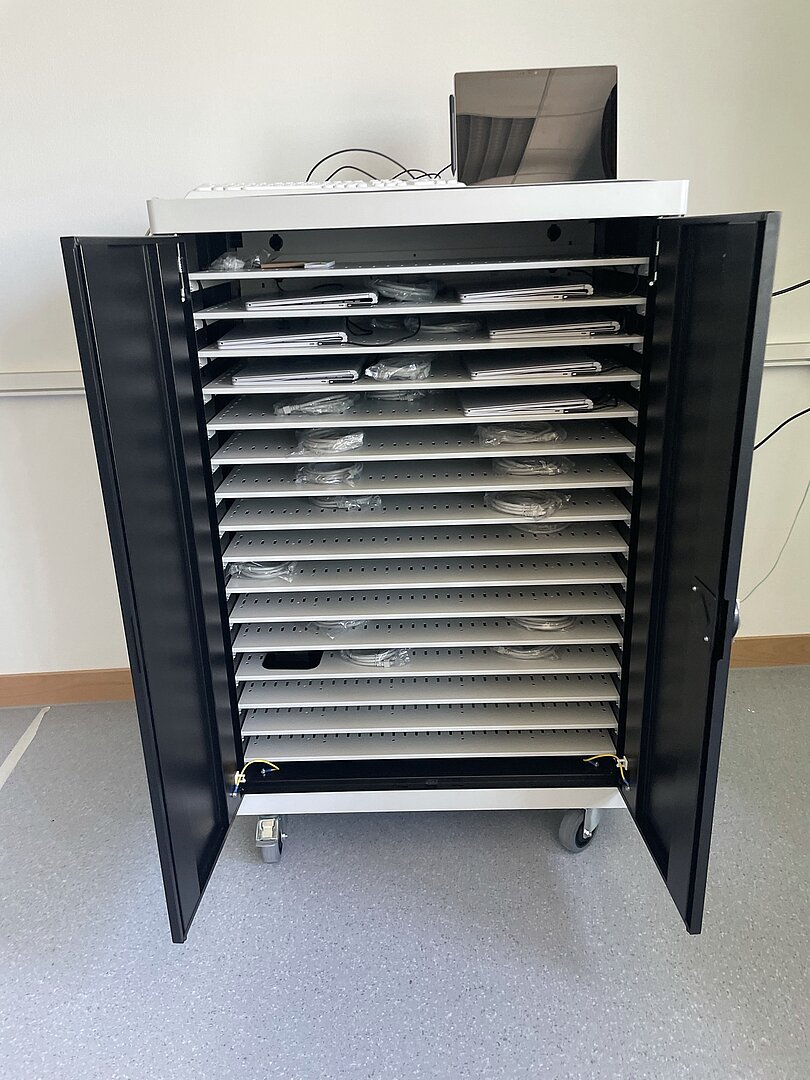
The 86” height-adjustable interactive board on the front wall serves as the main presentation surface. The document camera in the room can also be connected to the interactive board. At the back is a laptop cabinet on wheels with space for 32 laptops, which can be simultaneously charged and refueled. These are equipped with STEM software and offer students the opportunity to work on projects alone or in groups and then present them on the smartboard for all participants. The power rail system in the room provides a flexible power supply.
Room booking and terms of use
Electronic access authorization is required to use the DigiLLabs@jMU. Please contact the DigLlLab@JMU team (digillab@uni-wuerzburg.de) with a reference to the room you wish to use and the last four digits of your JMU card or token. If you do not have a JMU card, access is also possible via a guest card.
The rooms are automatically locked as soon as the door is locked. Do not forget to take your JMU/guest card with you once you leave the room.
Access to the room doors also gives you access to the cabinets in the room where the technology is located. Here too, make sure you lock them after use. An open door is marked green on the lock, a closed door is marked red.
Rent equipment
Most of the equipment available can also be borrowed.
To do so, you can book a slot in the calendar on wuecampus. The calendar can be accessed without a password.