DigiPädPsySo
The network "Digital media from a special educational and educational-psychological perspective" aims to promote students' competence, particularly with regard to the creation and editing of images, audio and video files for the classroom.
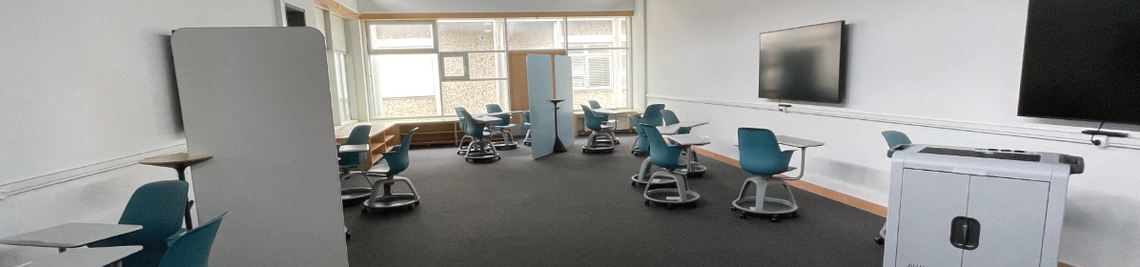
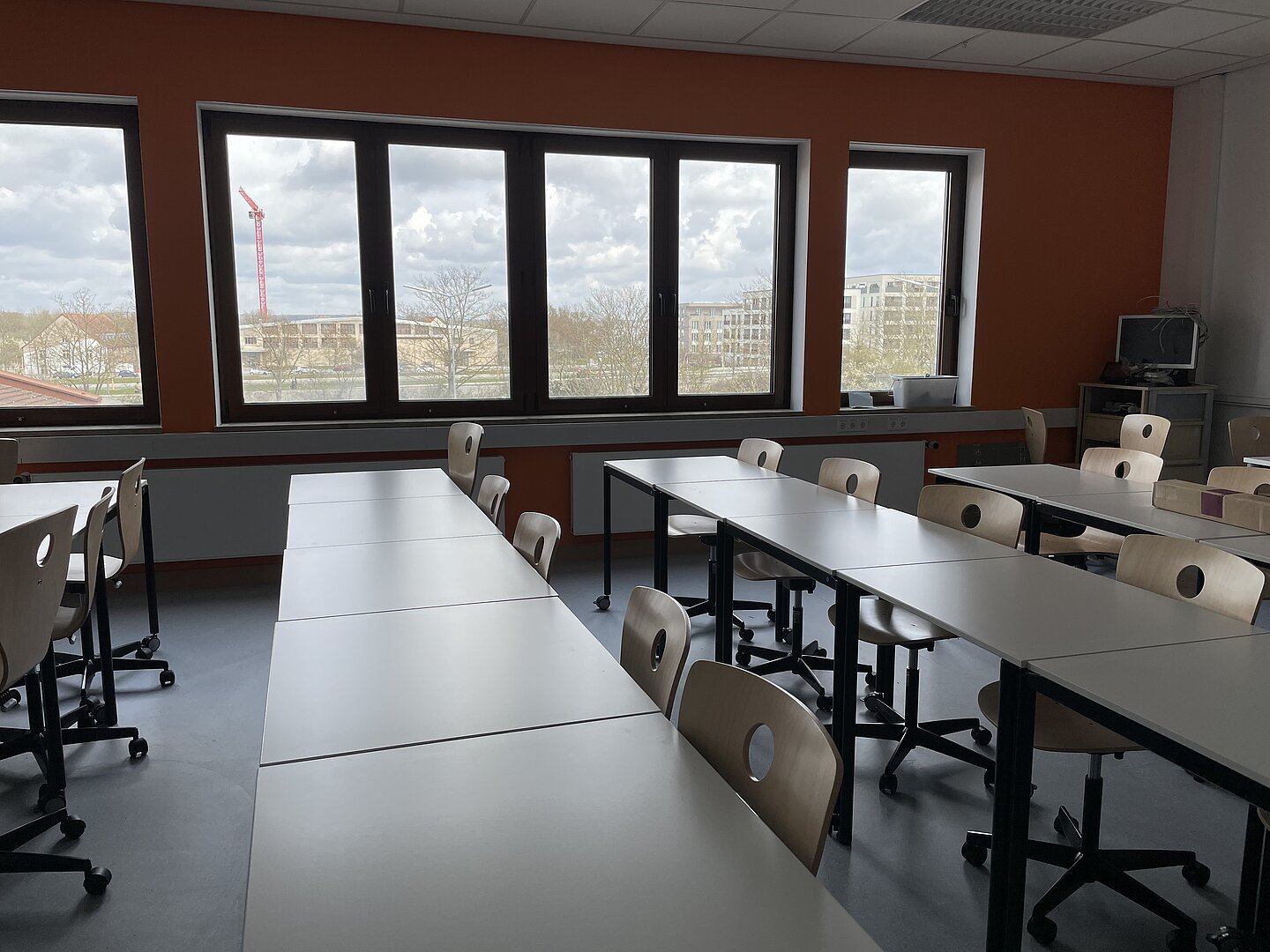
There are 25 seats in the DigiSoPädPsy. The square lightweight tables have two wheels each and can therefore be easily moved around the room. The tables can be used individually or arranged in groups of different sizes. There are also five tables that can be utilized by wheelchair users, which are slightly wider and without wheels. There are two mobile dividers with a mount in the room that can be set up flexibly. One partition has a whiteboard surface and one wall has a pinboard surface.
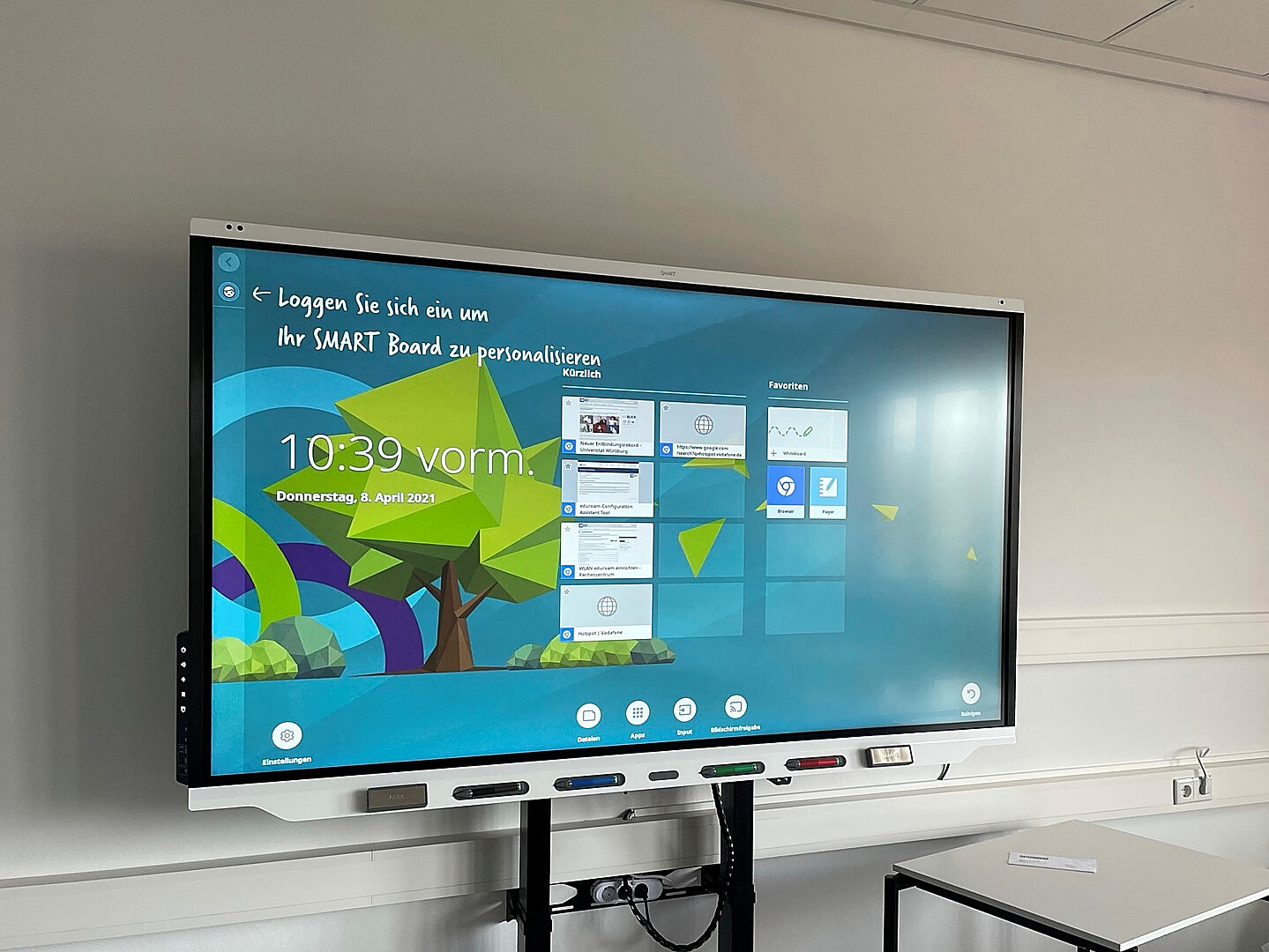
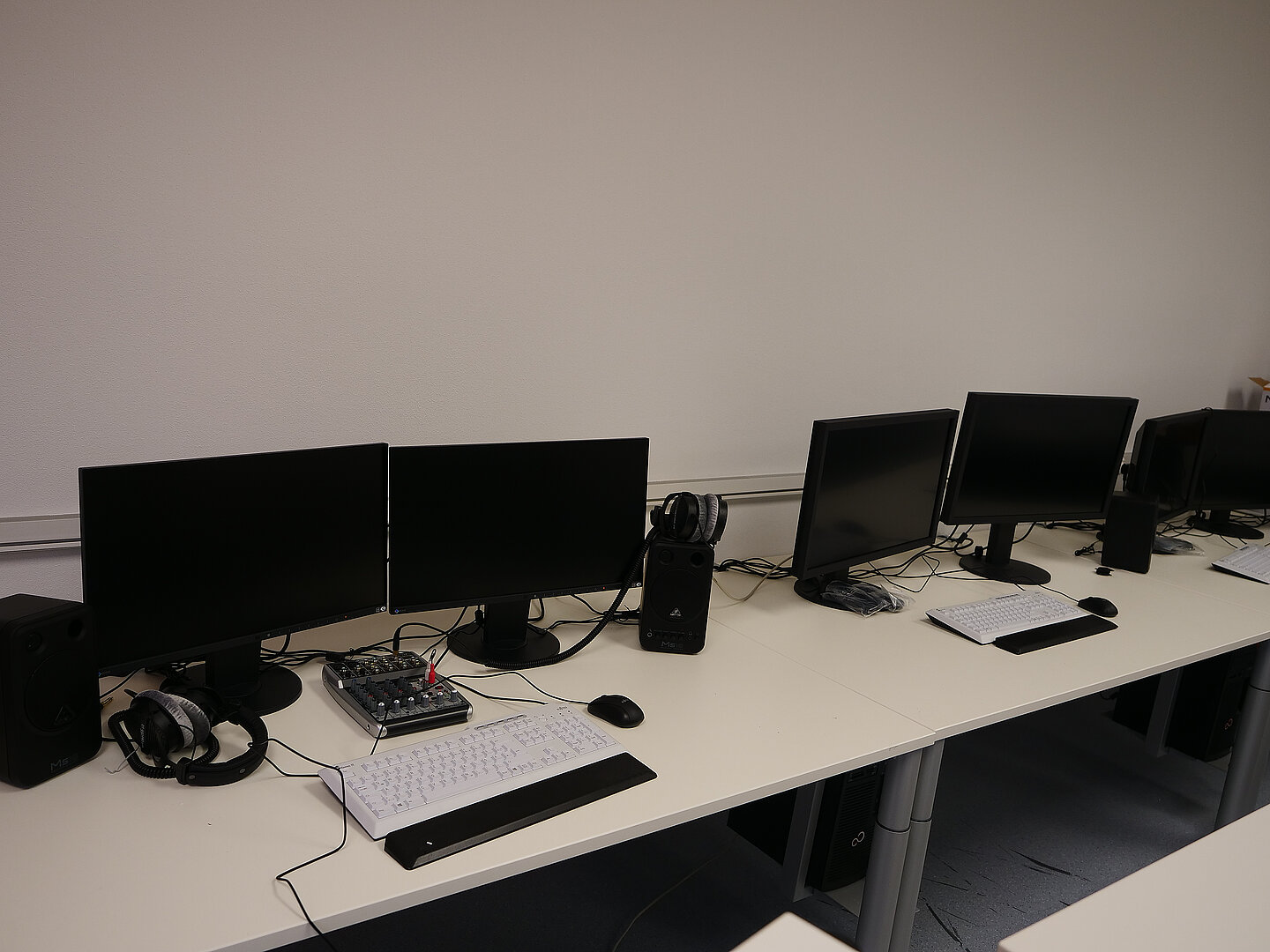
At the front is the main display located: the 86” measuring in diameter, height-adjustable interactive board. There are three multimedia workstations on the back wall of the lab; one workstation each is focused on image editing, audio editing and video editing. The three large lockers contain technical equipment, among other things. Here you will find photo, audio and video equipment that can be used in the room or, thanks to transport cases, on a mobile basis. This includes microphones, recording devices, a mixing console and a Surface Go. For image and video projects, there is also a camera, a stand, a foldable green screen and a background system with different coloured backgrounds in the room.
Thanks to a power rail system installed on two walls in the lab, there are always enough sockets available that can be used flexibly.
- 1 x 86" Smartboard
- 9 x 11" iPad Air
- 2 x 2022 iPad Pro, 1 TB
- 1 x 10.9" iPad Air, 256 GB
- 5 x 11" iPad Air (2025), 256 GB
- 1 x Tablet PC, Surface 2 Go M3, 8 GB RAM, 128 GB SSD with Type Cover
- 1 x Poly Studio video conferencing camera with tripod
- 3 x Computer, Fujitsu CELSIUS W580
- 1 x VR headset, Meta Quest 3
Audioequipment
- 1 x small mixing console, Behringer Xenyx Q802
- 1 x headphones (over-ear), beyerdynamic DT-990 Pro
- 2 x Speakers, Behringer MS 16
- 1 x Rode Wireless Go
- 1 x Lavalier microphone, Rode Lavalier Go
- 3 x Smartphone adapters for lavalier microphone, Rode SC6
- 2 x Lightning to headphone adapters
- 1 x Gimbal, Osmo Mobile 3
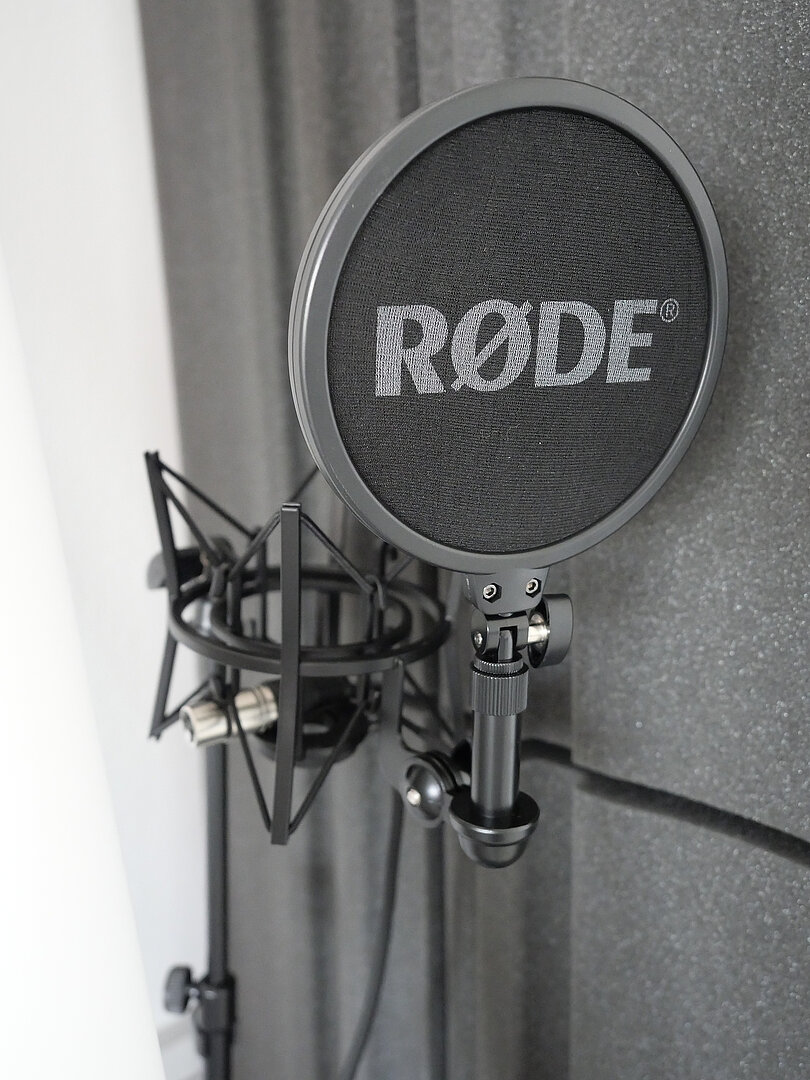
- 1 x Studio condenser microphone, Rode NT1A
- 1 x Recording device, Zoom H5
- 2 x Microphone stands, Millenium
- 1 x Microphone stand, K&M
- 1 x Portable acoustic foam panel
Camera- and Videoequipment
- 1 x 86" Smartboard
- 1 x Portable background system with two backgrounds (white and gray)
- 1 x Folding green screen (with blue and green sides)
- 1 x Tripod, Vanguard Alta Pro 263AB
- 1 x 360-degree camera, Insta360 One X2
- 1 x Tripod with flexible legs, Gorilla Pod Mobile Rig
- 1 x Smartphone mini tripod, Rollei
- 1 x Tablet/smartphone tripod, Hama
- 1 x Camera, Panasonic Lumix DC-G91
- 1 x Lens, Panasonic Lumix G Vario 45-150mm f/4.0-5.6
- 1 x Lens, Olympus M.Zuiko Digital ED 12-40mm f/2.8
- 1 x Flash unit
- 1 x Power bank
- 1 x Ring light, Rollei Ring LED Light
- 1 x Viltrox LED light
- 1 x Flat panel light, Walimex Pro Daylight + softbox
- 1 x Lighting kit, 2-piece set: Daylight 250S + softbox + tripod
Room booking and terms of use
Electronic access authorization is required to use the DigiLLabs@JMU. Please contact the DigiLLab@JMU team (digillab@uni-wuerzburg.de) with a reference to the room you wish to use and the last four digits of your JMU card or token. If you do not have a JMU card, access is also possible via a guest card.
The rooms are automatically locked as soon as the door is locked. Do not forget to take your JMU/guest card with you once you leave the room.
Access to the room doors also gives you access to the cabinets in the room where the technology is located. Here too, make sure you lock them after use. An open door is marked green on the lock, a closed door is marked red.
Rent equipment
Most of the equipment available can also be borrowed.
To do so, you can book a slot in the calendar on wuecampus. The calendar can be accessed without a password.