Toolbox
From teaching for teaching - the Toolbox is a participatory platform offering a variety of methods, resources, guidelines and tips to support digital teaching in higher education! Teachers, students and teaching professionals are invited to share their experiences from teaching practice: whether established methods, tried-and-tested concepts or your favorite tools, the Toolbox provides a space for exchanging ideas and content related to digital teaching and for inspiring one another. Join us and explore the Toolbox!


(Digital) teaching thrives on diverse ideas and experiences. Our ongoing exchange with lecturers and students shows that continuously sharing these ideas is key to driving sustainable and resource-efficient development. The toolbox, as a collaborative platform, enables this exchange.
Become part of the toolbox and help shape the future of digital teaching together with the University of Würzburg community!
The toolbox is organized by content type. You will find entries of the following categories:
Good Practices: subject- or course-specific experience reports from the University of Würzburg community
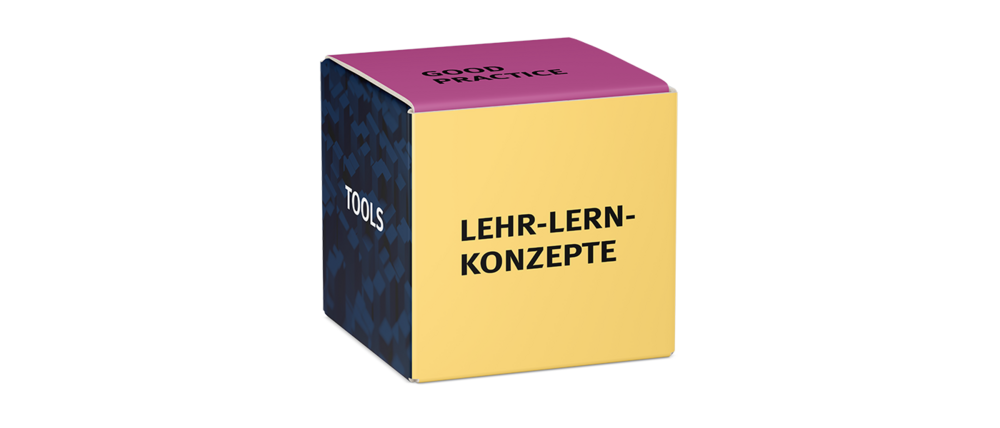
Teaching-learning concepts: theoretically grounded approaches for designing and developing teaching and learning scenarios
Building blocks: step-by-step guides for using different tools and software in teaching and learning contexts
Tools: technologies, software applications, hardware, and more for use in (digital) teaching
Infrastructure: information on rooms, training opportunities, and continuing education related to (digital) teaching
Each entry of the toolbox is tagged with relevant keywords. You can find entries by typing into the search field or by selecting the displayed keywords to search by topic. In addition, you can explore the different sections of the toolbox by filtering according to content type.
The Toolbox is primarily designed for members of the University of Würzburg.
However, all entries are also available as printable versions that fall under copyright and are licensed under CC BY 4.0. This legal framework allows sharing both within and beyond the university community. You can find more information on data protection on WueCampus here.
You can download and/or print the entries. Under the print options, you will find “additional settings,” where you can add or remove headers and footers containing additional information about the entry.
There are two ways to create content for the toolbox:
- Within the toolbox: Enroll in the toolbox and use the input form. You can upload your contribution by clicking “submit” or “save.” You can continue editing your entry afterwards (see the FAQ on editing existing content).
- Outside the toolbox: Use the offline Word templates, which you can find on the homepage under “Participate and create". After completing your entry, send the file to toolbox@uni-wuerzburg.de. Of course, you can also use the offline templates to draft your content and then copy and paste it into the input form yourself.
Once your entry has been added to the toolbox, it is licensed under CC BY 4.0 and accessible to all members of the University of Würzburg. The content can be downloaded as a PDF and shared with external parties.
The editorial team reserves the right to make minor edits independently.
Yes! Even after your contribution has been published, you can continue to edit and update it. To enter edit mode, click the three dots displayed next to your entry’s title. After your changes, the editorial team will review and approve your updated entry. To notify the editors, feel free to send an email to toolbox@uni-wuerzburg.de.
For support with uploading your own entries or any other questions about the toolbox, please contact the editorial team: toolbox@uni-wuerzburg.de
To delete your entry, go to the detailed view of your submission. Next to the title, click the three dots and select “delete.” A confirmation window will appear to ensure you want to remove your entry.
After leaving the University of Würzburg, your account will automatically be removed from WueCampus (and thus from the toolbox) after a set period.
If you wish to leave the toolbox earlier, simply send an email to toolbox@uni-wuerzburg.de, requesting your account to be deactivated.